
Painting Estimate Spreadsheet: What to Track and When to Outgrow It
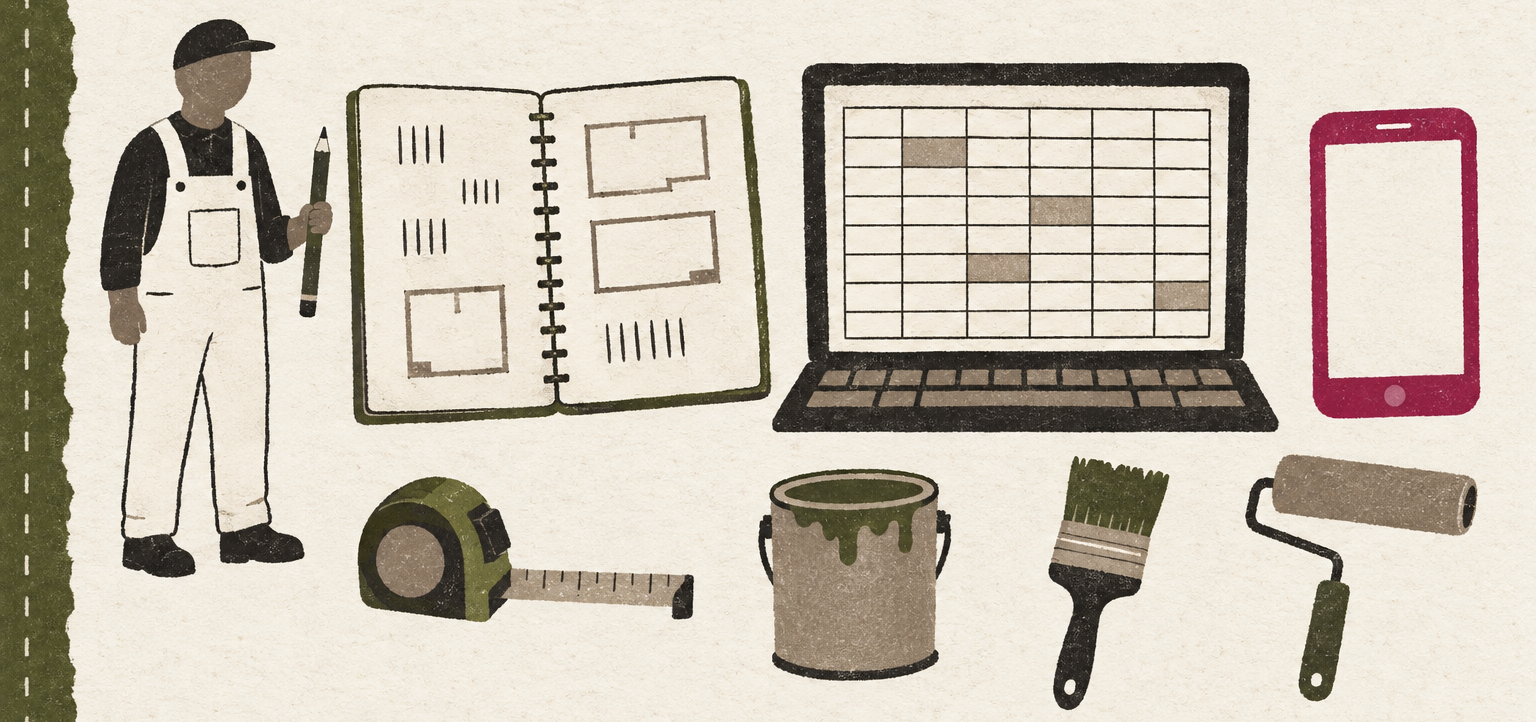
EstimateSync started as a spreadsheet. Our co-founder "started with a notebook and a pen, graduated to a massive spreadsheet I built to stop underbidding, and then a local developer and I turned that spreadsheet into an app."
If you're building your own, here's what that spreadsheet tracked, the math behind it, and where a spreadsheet starts costing you time.
Start with one row per surface
His first version took length, width and height and worked out the square footage, "with ceiling rates for standard, medium and high ceilings." Taller ceilings take longer to paint, so they get their own rate.
A layout that works: one row for each surface or item in each room.
| Column | What goes in it |
|---|---|
| Room | Primary bedroom, hall bath |
| Item | Walls, ceiling, baseboard, doors, windows |
| Quantity | Square feet, linear feet, or a count |
| Coats | For this surface |
| Production rate | How much one painter finishes in an hour |
| Spread rate | Square feet per gallon, from the can or your own records |
| Labor hours | Calculated |
| Gallons | Calculated, rounded up |
| Labor, materials, price | Calculated |
Keep your labor rate, paint cost and markup in their own cells at the top, so every row reads from the same numbers.
The formulas
For walls and ceilings:
- Perimeter = 2 × (length + width)
- Wall area = perimeter × height
- Ceiling area = length × width
For every row:
- Labor hours = quantity × coats ÷ production rate
- Gallons = quantity × coats ÷ spread rate, rounded up
- Labor cost = labor hours × labor rate
- Price = labor cost + materials + markup
Linear items like baseboard use the room's perimeter instead of area. For doors and windows, use the count times coats times your time per coat.
Always round gallons up, because "you can't buy 1.2 gallons of a custom color." In Excel or Google Sheets, =ROUNDUP(quantity * coats / spread_rate, 0) does it.
Where spreadsheets start to hurt
The math was never the hard part. The trouble was everything around it.
You estimate at night, from memory. Our co-founder was "working 10 to 12 hour days, so estimating happened at night. I'd sit at the computer trying to remember which room had the water stain." A spreadsheet on a desktop means the estimate waits until you're home.
The proposal is a second job. For years he'd "copy the numbers and rewrite a summary in a Word doc or PDF." Eventually the spreadsheet produced a clean proposal on its own.
Changes ripple by hand. Change your wall coats or your door pricing and you edit every room, one at a time.
Missing numbers fail quietly. A blank ceiling height doesn't raise an error. It turns into zero hours, and the estimate looks fine until the job runs long.
What his spreadsheet became
By the end, the spreadsheet was fast: "run down the list, type rough room dimensions and a count of windows and doors, click to add extras like crown, chair rail, radiators and fireplaces," then adjust anything after the bulk was in. "I've written thousands of estimates on the original version."
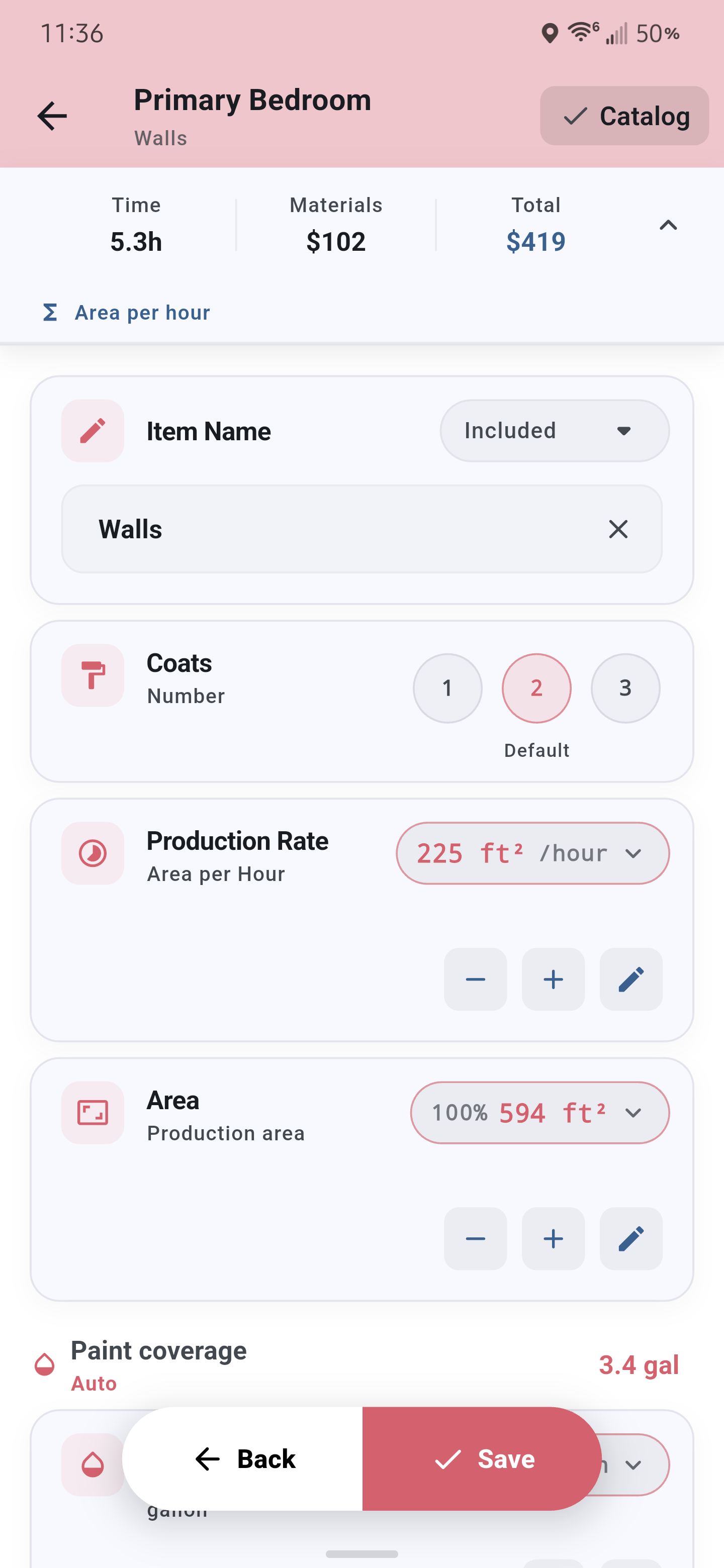
That's the workflow EstimateSync is built on, moved to a phone so the estimate gets done in the client's house.
Most "estimate apps" are invoice apps with a nicer logo.
Spreadsheet or app?
A spreadsheet is a good place to start. Building one makes you learn your own production rates, and no app can do that part for you.
Look at an app when you're estimating at night, retyping numbers into proposals, or want to finish the estimate on site. Be picky, though. In our co-founder's words, "Most 'estimate apps' are invoice apps with a nicer logo." You type in a price you worked out somewhere else, and "you still do all the math yourself."
A real estimating app should do the spreadsheet's math for you: area from dimensions, labor hours from your production rates, gallons from your spread rates, and a total you can check before it goes out.