
Contacts and Appointments
From first contact to scheduled walkthrough, customer intake that just works.
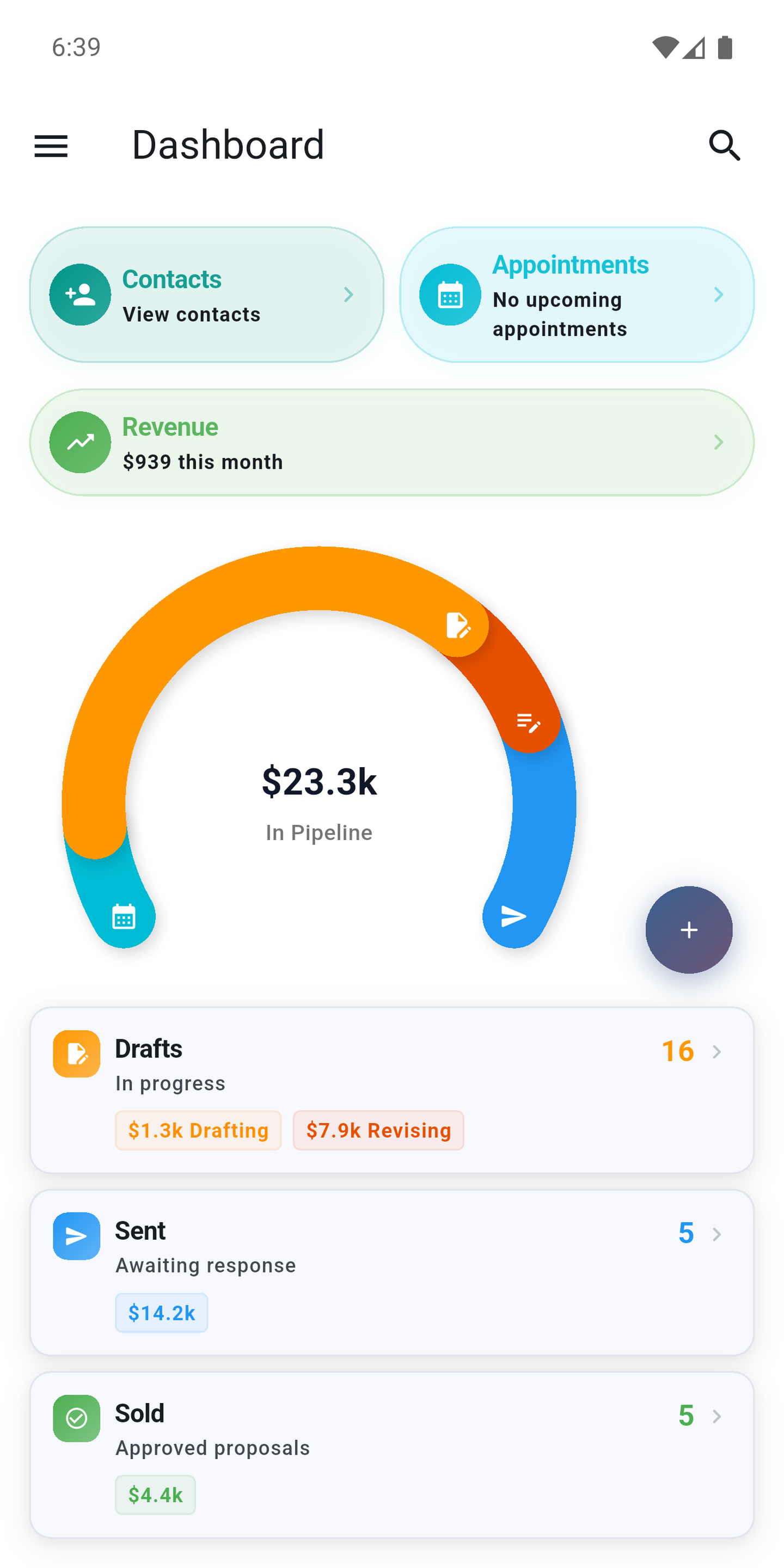
Never retype a customer
Every estimate starts with a name and address - you shouldn't have to enter them twice. Pull contacts in from your device address book, save them directly inside PQP, or receive them through inbound contact intake. Once they're in, search, edit, or kick off a new project without switching apps.
Scheduling that stays connected
Appointments bring everything together in one view.
Link appointments to your device calendar and you'll see busy periods while scheduling. PQP creates, updates, and removes local calendar events automatically as linked appointments change.
- Visit time and customer details
- Appointment type - estimate, consult, or production
- Notes and project connection
One workflow, no gaps
From the first inquiry to the estimate walkthrough, contacts and appointments stay linked to the projects they belong to. No orphaned records, no hunting for context.
Dig into the guides below to see how it all fits together.